How to Create a Cleaning Log Task
Create and schedule a Cleaning Log Task from Task Definitions, then verify it appears in Tracking Calendar and List views.
Need help applying this?
If your workflow still feels unclear, we can map this step-by-step inside your pharmacy context.
Contact TeamUse this guide to create a scheduled cleaning requirement in the Cleaning Log module.
Verified Flow
This walkthrough was verified in-app on March 4, 2026.
Step-by-step
1) Go to Logs > Cleaning.
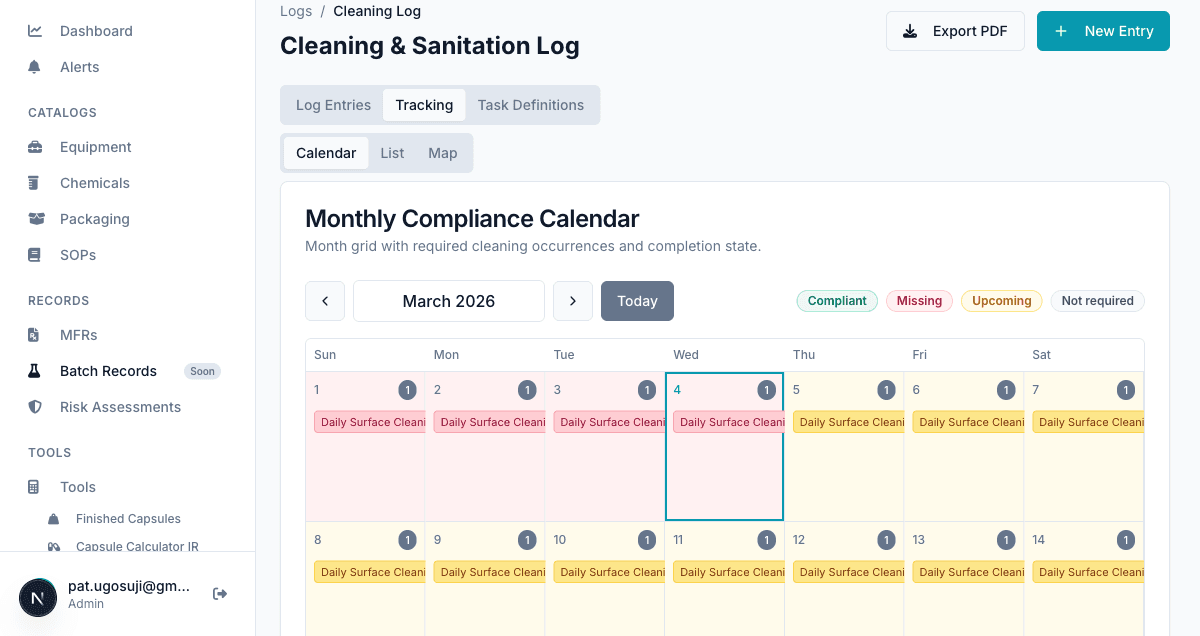
2) Open the Task Definitions tab.
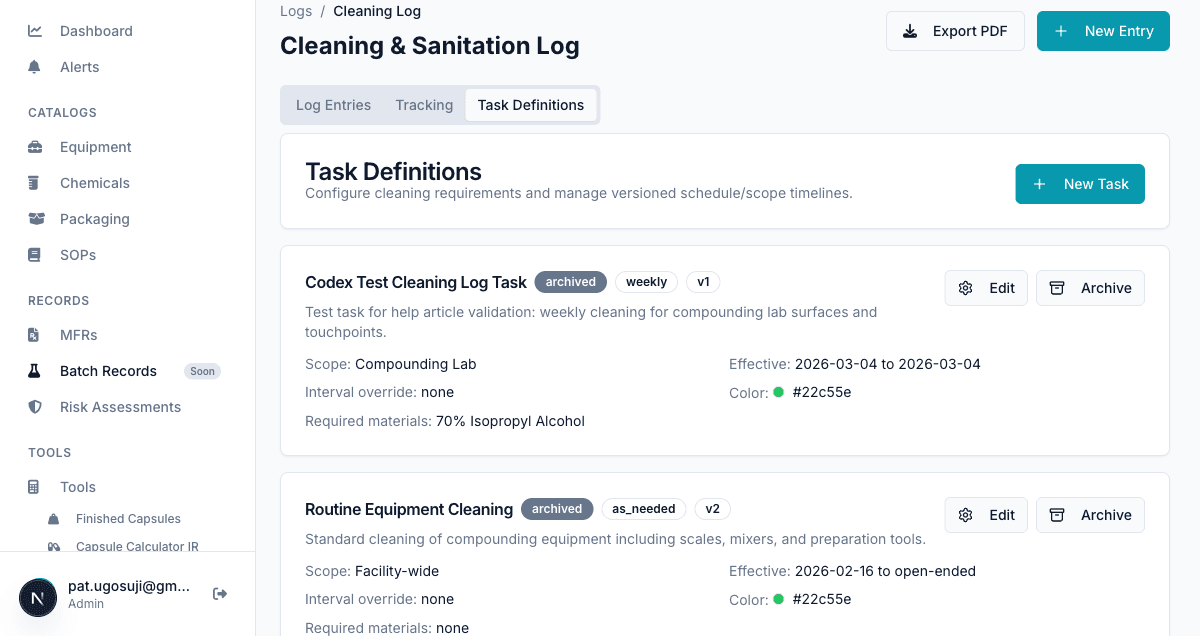
3) Click New Task and fill the form:
- Task Name: Daily Cleaning Task
- Task Details: Complete daily cleaning and sanitization of compounding work surfaces, high-touch points, and designated prep areas before end of shift.
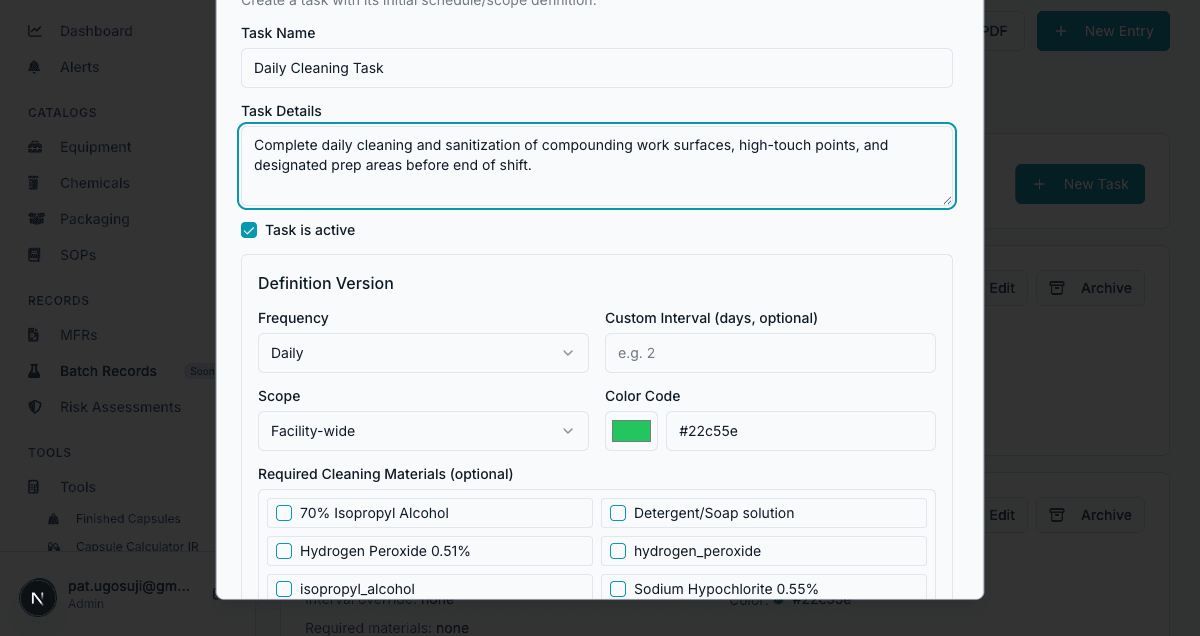
4) Click Create task and confirm success.
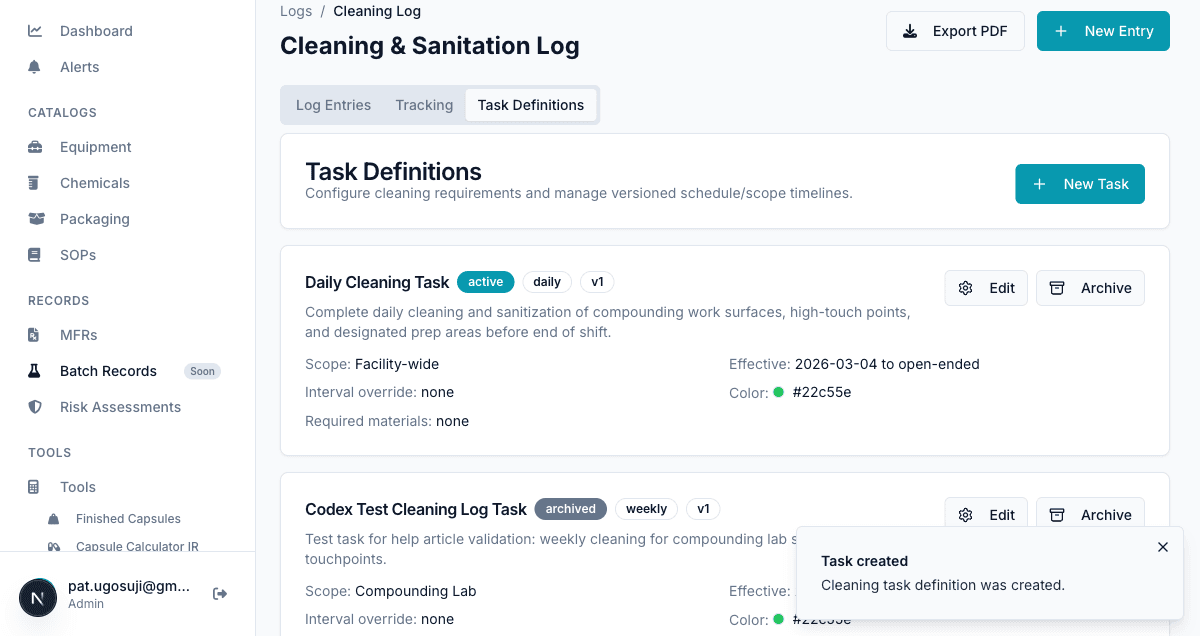
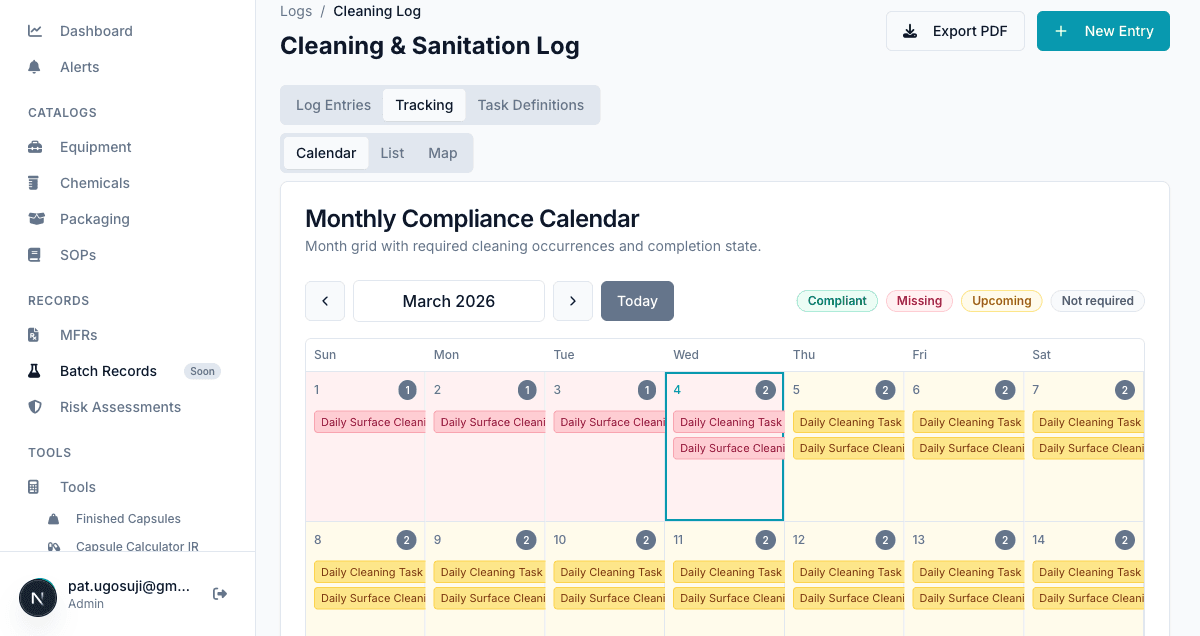
5) Go to Tracking and verify upcoming tasks in Calendar.
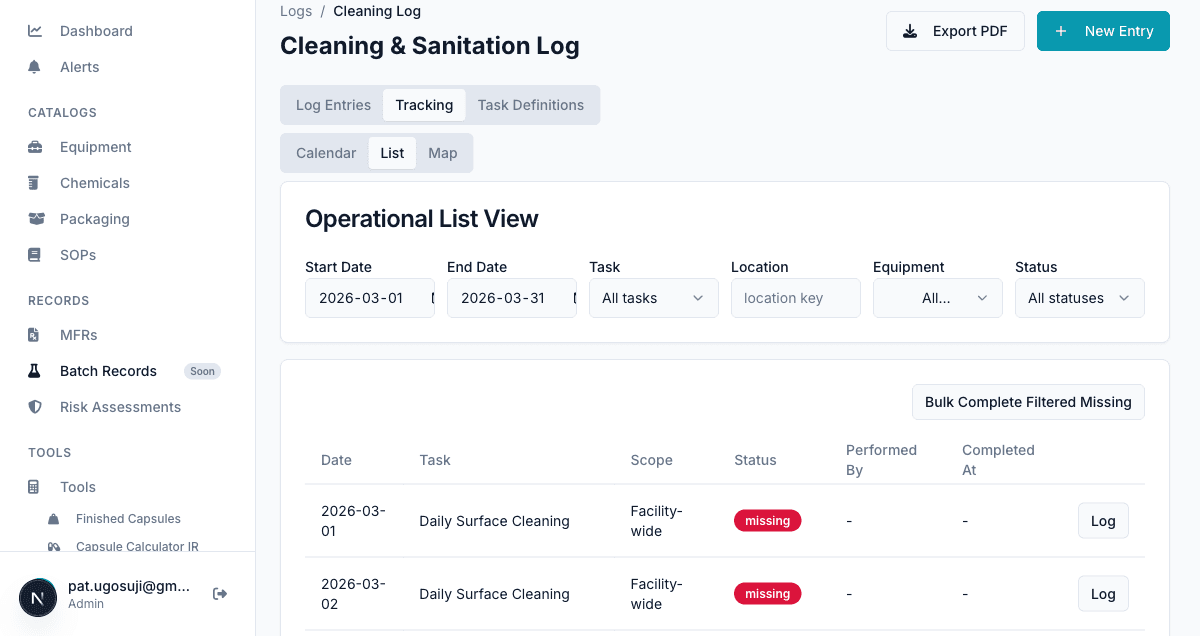
6) Open Tracking > List.
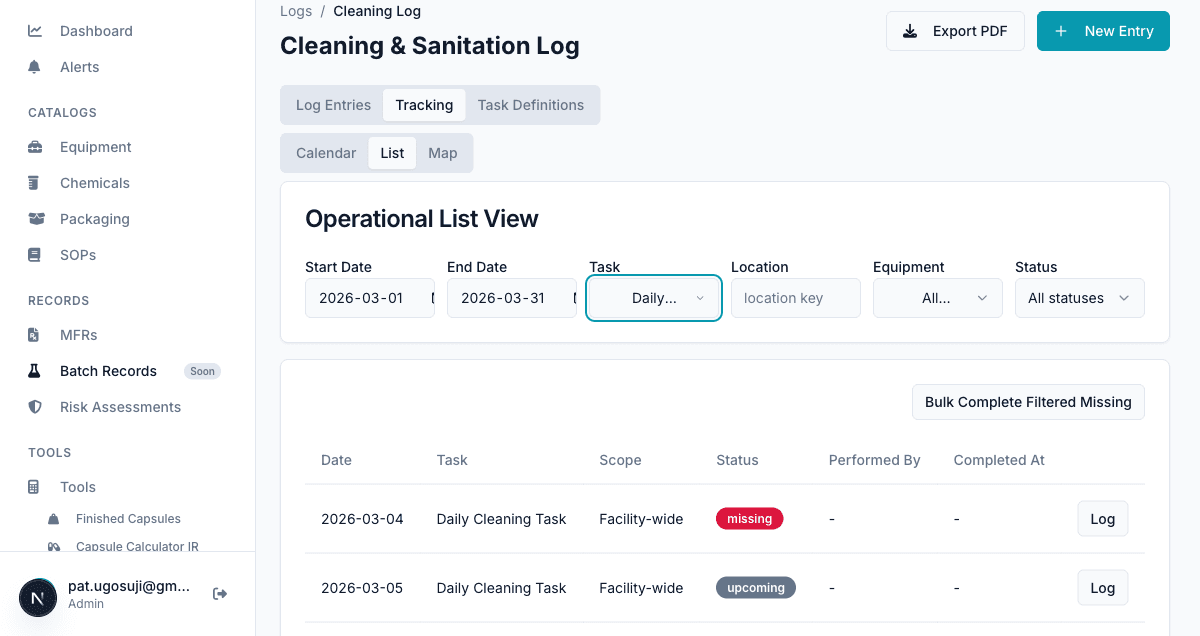
7) Filter Task = Daily Cleaning Task and confirm upcoming rows.
Troubleshooting
Common Issues
Task name is required
Enter Task Name before clicking Create task.
Task does not appear in Tracking
Check task status is active and effective dates include the current period.
How do I stop future scheduling without deleting history?
Archive the task definition. Historical logs remain and future scheduling stops.
Still need help?
Our team can walk through your workflow and help you set up Compounded for your pharmacy.
Book a Walkthrough